The effect of pad_inches in Python Matplotlib.pyplot
The results are:
This page shows how to change pad_inches and how it affect on the saved figure in python and matplotlib.pyplot.
Display same figure with changing lines color and math fonts
The example of the result (computer modern) is:
This page show how to display several font all at once.
Computer modern, stix (Times New Roman), arial, cambria and arial (with colored line) are displayed.
Draw minor ticks at arbitrary place using Python Matplotlib.pyplot
In [1]:
import matplotlib.pyplot as plt
import numpy as np
from itertools import product
from matplotlib import ticker
%matplotlib inline
In [2]:
plt.figure(figsize=(4,3),facecolor="w")
plt.plot([0,1],[0,1])
minors = [0.1,0.12,0.125,0.15,0.16,0.17,0.18,0.19]
plt.axes().xaxis.set_minor_locator(ticker.FixedLocator(minors))
plt.tick_params(which='minor', length=3, color='r')
In [3]:
plt.figure(figsize=(4,3),facecolor="w")
plt.plot(np.log10([1,100]),np.log10([1,100]))
xtks = np.array([1,10,100])
xtkp = np.log10(xtks)
plt.axes().set_xticks(xtkp)
plt.axes().set_xticklabels(xtks)
ytks = np.array([1,10,100])
ytkp = np.log10(ytks)
plt.axes().set_yticks(ytkp)
plt.axes().set_yticklabels(ytks)
xminors = np.log10([2,3,5,20,30,40,50,60,70,80,90])
yminors = np.log10(([k*m for k,m in product([2,3,4,5,6,7,8,9],[1,10])]))
plt.axes().xaxis.set_minor_locator(ticker.FixedLocator(xminors))
plt.axes().yaxis.set_minor_locator(ticker.FixedLocator(yminors))
plt.tick_params(which='minor', length=3, color='k')
Draw animation graph using Python Matplotlib.pyplot
The result is:
This page shows an example of the animation generated by the matplotlib.pyplot of python.
Simple way to draw 3D random walk using Python and Matplotlib.pyplot
The result is:
This code shows the simple way to dray 3D random walk with colored line using python.
Make figures changing math font in Python Matplotlib.pyplot
The example of the result (computer modern font) is:
This page shows how to change text font of the labels, ticks and mathtext.
Write \mu (Greek letter, Symbol) in Python Matplotlib.pyplot
The results are:
This page shows how to write μ:mu, \mu in the matplotlib. By specifying the Unicode, you can add arbitrary character to the plot.
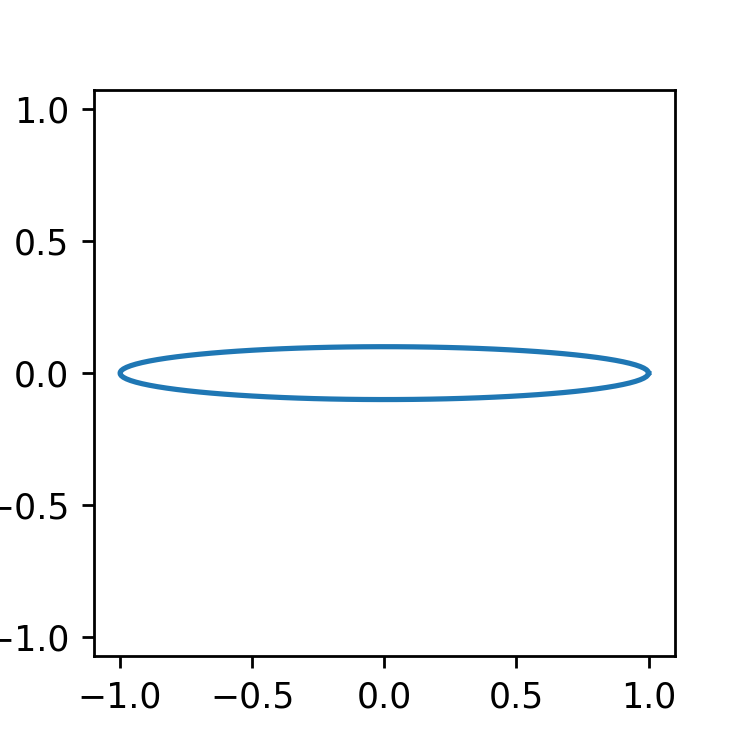
How to set the aspect ratio of the figure in Python Matplotlib.pyplot
The result is:
This page show how to set the aspect ratio of the figure in the python and matplotlib.pyplot. By adding set_aspect function, you can set the aspect ratio ot equal.
Draw several plots in one figure in Python Matplotlib.pyplot
The result is:
This page shows how to plot several waveforms (like waveform data taken by an oscilloscope) in one figure.
Using offsets for each waveform, we can automatically plot using python and matplotlib.pyplot according to following code.
Subscribe to:
Comments (Atom)